How to Create Your Personalized Image
Create beautiful customized images in minutes - no design skills needed!
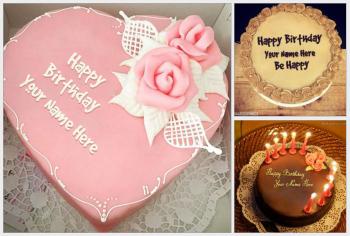
Type 1: Single Name Art
The simplest way to create personalized images with just one input field (usually "Your Name").
Choose Template
Browse thousands of templates across various categories
Enter Your Name
Type the name you want on the image (e.g., "John", "Sarah")
Generate & Download
Preview your creation, download or share directly
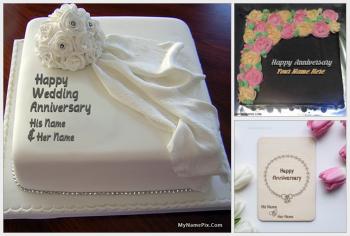
Type 2: Two Names (Couple / Collaborative)
Perfect for couples, friends, or family with two input fields (e.g., "His Name" & "Her Name", "Your Name" & "Their Name").
Select Template
Choose from engagement, wedding, anniversary, or friendship designs
Enter Name 1
First person's name (e.g., "Raj")
Enter Name 2
Second person's name (e.g., "Priya")
Create & Share
Generate beautiful couple artwork
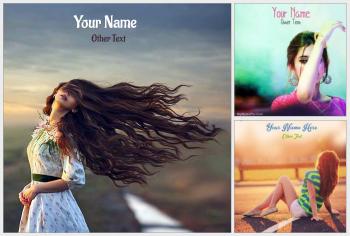
Type 3: Photo Embedding
Upload your own photo and we'll embed it into the template! Perfect for framed photos, personalized cards, and memory keepsakes.
Select Template
Choose templates with photo frames or placeholders
Upload Photo
Select image from your device (JPG, PNG, max 5MB)
Add Names/Text
Enter names (single or couple) to complete the design
Generate & Download
Your photo is perfectly placed in the design
Saving & Sharing Your Creations
Download Only
Uncheck the "Save to Gallery" option
- ✓ Image generated instantly
- ✓ Download directly to your device
- ✓ No server storage used
- ✗ No shareable social media link
- ✗ Cannot share via WhatsApp preview
Save & Share
Check "Save to Gallery" (Recommended for sharing)
- ✓ Image generated AND saved on server
- ✓ Get a unique shareable link
- ✓ Perfect WhatsApp preview (title + description + image)
- ✓ Share on Facebook, Twitter, Instagram
- ✓ Your creation appears in "User Creations"
Coming Soon!
Long Text Support - Poems, messages, quotes
Profession Integration - Doctor, Engineer, Teacher badges
School/College Logos - Institutional branding